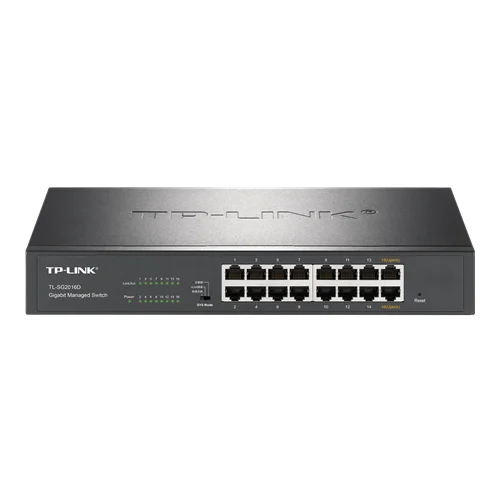
1. IP Surveillance Network Segmentation
Utilized as an access layer switch to connect multiple high-definition IP cameras. The switch enables reliable traffic handling for multicast streams in industrial facility security systems.
Problem SolvedBy switching the device to VLAN Isolation mode, security cameras are kept physically isolated from the main office intranet. This limits broadcast storms, prevents unauthorized network snooping, and utilizes QoS to prioritize latency-sensitive video packets.
VLAN IsolationQoSPort IsolationDHCP SnoopingStorm Control
2. SME Office LAN Optimization
Serves as the central access switch in small-to-medium offices to connect staff PCs, printers, and auxiliary hardware while isolating guest access.
Problem SolvedLeveraging 802.1Q VLAN capabilities, network administrators can isolate sensitive financial data from standard guest users. Meanwhile, link aggregation (Trunking) combines multiple gigabit uplinks to eliminate network bottlenecks when streaming to central NAS servers.
802.1Q VLANLink AggregationPort Aggregation32 Gbps Switching Capacity
3. Smart Hotel Room Access Layer Distribution
Deployed within small utility closets or corridor panels to aggregate network traffic from in-room devices, smart locks, and smart TVs.
Problem SolvedThe fanless casing design prevents noise pollution in guest corridors. Off-site IT teams can instantly configure, monitor, and troubleshoot issues remotely via the TP-Link Commercial Cloud platform, minimizing on-site maintenance overhead.
Fanless DesignCloud ManagementLoopback ProtectionRemote O&M